
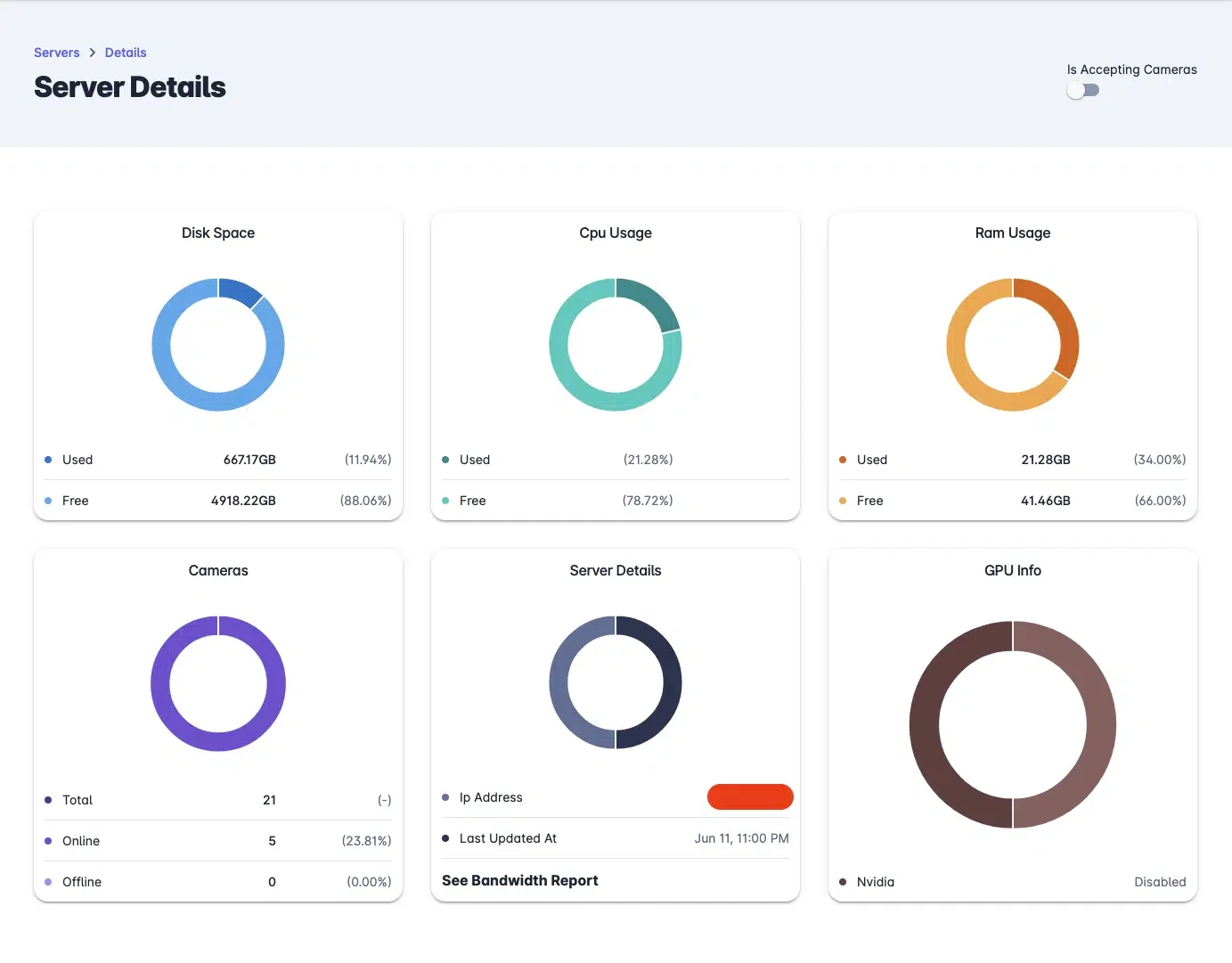
Server Details shows resource usage and status information for connected Camlocus servers.
Disk Space: Shows total and free disk storage available on the server.
CPU Usage: Displays total and currently available CPU resources.
RAM Usage: Shows total and available system memory (RAM).
Camera Count: Displays total cameras including encoding and streaming cameras separately.
Server Details: Shows server IP address and the last updated timestamp.
GPU Info: Displays GPU details if a compatible GPU is available on the system.
Deleted Cameras
When a camera is deleted, it should disappear from user-facing pages immediately.
Deleted or deleting cameras should not appear in:
- Live Stream
- Cameras list
- Alerts
- Playback
- Location filters
- Dashboard
Some deletion tasks may continue in the background, especially if camera data is stored on a secondary server.
If deletion fails, the system should show a clear status to the administrator and allow retry.
Server Health and Background Jobs
Server Details should help administrators understand if background jobs or server resources have problems.
Useful status information:
- server online/offline status
- CPU/RAM/storage usage
- GPU status if used
- active conversion jobs
- pending jobs
- failed jobs
- failed delete jobs
- connection limit warnings
If a secondary server has connection or job processing issues, administrators should be able to see the problem and retry failed operations where applicable.